Building the AI-Native Future of Go Micro with Claude
March 4, 2026 • By the Go Micro Team
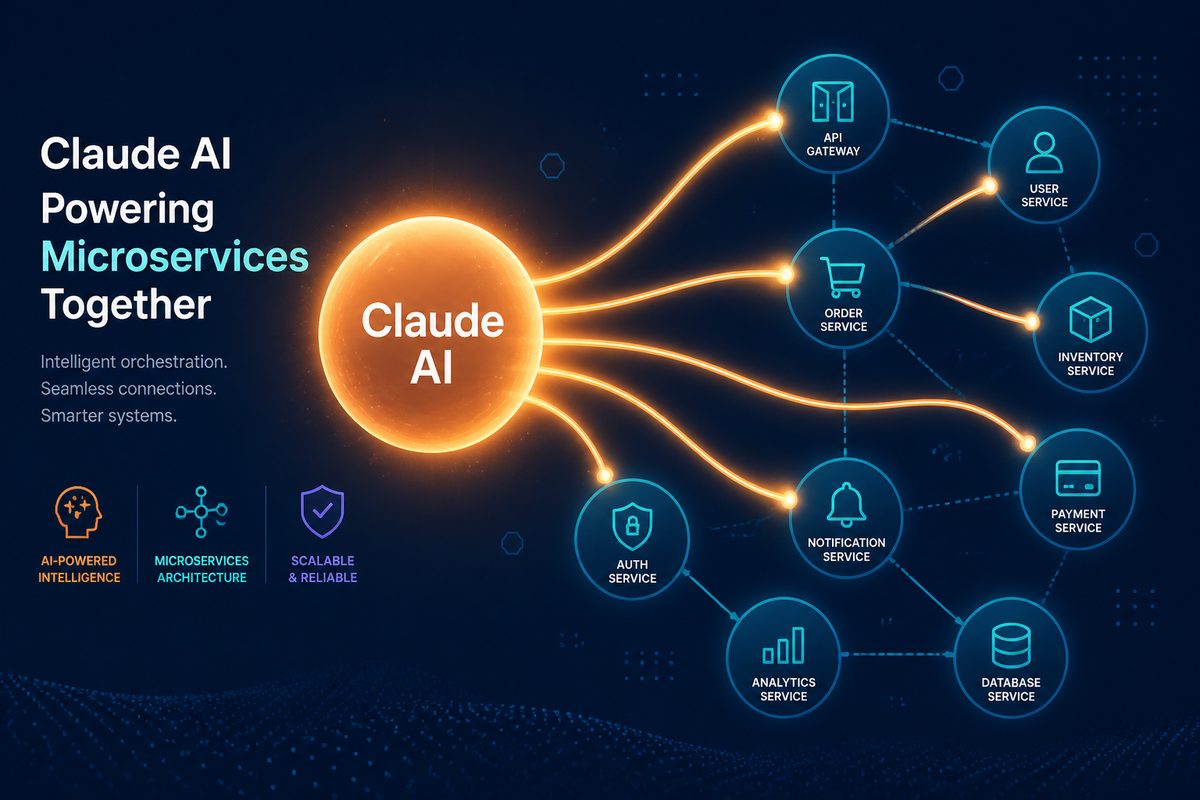
Go Micro was given access to Claude Max through Anthropic’s open source sponsorship program. This post covers what we built with it, how the development process worked, and the vision that came out of it.
The Sponsorship
Anthropic offers Claude Max to open source projects building on the Model Context Protocol. Go Micro’s pitch was simple: every microservice should be an AI-callable tool with zero extra code. They agreed.
What happened next was the most productive sprint in Go Micro’s history. Claude didn’t just assist — it became a collaborator. Features that would have taken weeks shipped in days.
What We Shipped
WebSocket Transport
The MCP gateway needed persistent, bidirectional connections for real-time agents. We added a full WebSocket transport implementing JSON-RPC 2.0:
const ws = new WebSocket("ws://localhost:3000/mcp/ws", {
  headers: { "Authorization": "Bearer my-token" }
});

// Discover and call tools over a single connection
ws.send(JSON.stringify({
  jsonrpc: "2.0", id: 1,
  method: "tools/call",
  params: { name: "users.Users.Get", arguments: { id: "user-123" } }
}));
Persistent connections, connection-level auth, concurrent requests. The agent playground in micro run uses this for interactive conversations with your services.
OpenTelemetry Tracing
Every MCP tool call now creates an OpenTelemetry span:
Span: mcp.tool.call
  mcp.tool.name: users.Users.Get
  mcp.transport: websocket
  mcp.auth.status: allowed
Drop in your trace provider and agent activity flows into Jaeger, Grafana, or Datadog alongside your existing service traces. No trace provider configured? Zero overhead.
LlamaIndex SDK
Following the LangChain integration, we built a LlamaIndex SDK for RAG workflows:
from go_micro_llamaindex import GoMicroToolkit
from llama_index.core.agent import ReActAgent

toolkit = GoMicroToolkit.from_gateway("http://localhost:3000")
agent = ReActAgent.from_tools(toolkit.get_tools(), llm=llm)

# Agent can search docs AND call services
response = agent.chat("Get the profile for user-123")
An agent that searches your documentation and calls your services in the same conversation.
What Came After
The Claude sponsorship set a direction that kept going. Since then:
7 AI model providers — Anthropic, OpenAI, Google Gemini, Atlas Cloud, Groq, Mistral, and Together AI. All implementing the same ai.Model interface, all swappable with one import.
Image and video generation — ai.ImageModel and ai.VideoModel interfaces with Atlas Cloud as the first multi-modal provider. The images on this website were generated through the framework’s own ai package.
micro chat — an interactive CLI that discovers your services, exposes them as tools, and lets you orchestrate them through natural language. Multi-turn conversation with history.
ai.Tools — a reusable package that turns registry discovery + client RPC into an ai.ToolHandler. Any service can reason about and call other services through an LLM.
Service templates — micro new --template crud scaffolds a full CRUD service with typed proto, in-memory store, pagination, and MCP-ready doc comments.
None of this was planned when the sponsorship started. It emerged from the velocity that Claude enabled.
The Development Process
A note on what it’s actually like to build a framework with Claude Code:
The WebSocket transport went from zero to 14 passing tests in a single session. The OpenTelemetry integration was designed, implemented, and tested in another. The Gemini provider — which has a completely different API format from OpenAI — was researched, implemented, and passing tests in under an hour.
This isn’t about replacing engineering judgment. Every design decision, every interface, every architectural tradeoff was a conversation. Claude writes the code. The human decides what to build and why.
The irony isn’t lost on us: Go Micro is a framework for building services that AI agents can call, and it was itself built by an AI agent calling tools in the codebase. MCP works because we used MCP.
Try It
go install go-micro.dev/v5/cmd/micro@latest

# Create a service
micro new myservice
cd myservice

# Run with the agent playground
micro run

# Chat with your services
ANTHROPIC_API_KEY=sk-ant-... micro chat --provider anthropic
See the MCP documentation for the full guide.
Go Micro is an open source framework for distributed systems development. Star us on GitHub — 23K+ stars and growing.
Thanks to Anthropic for the Claude Max sponsorship through their open source program.